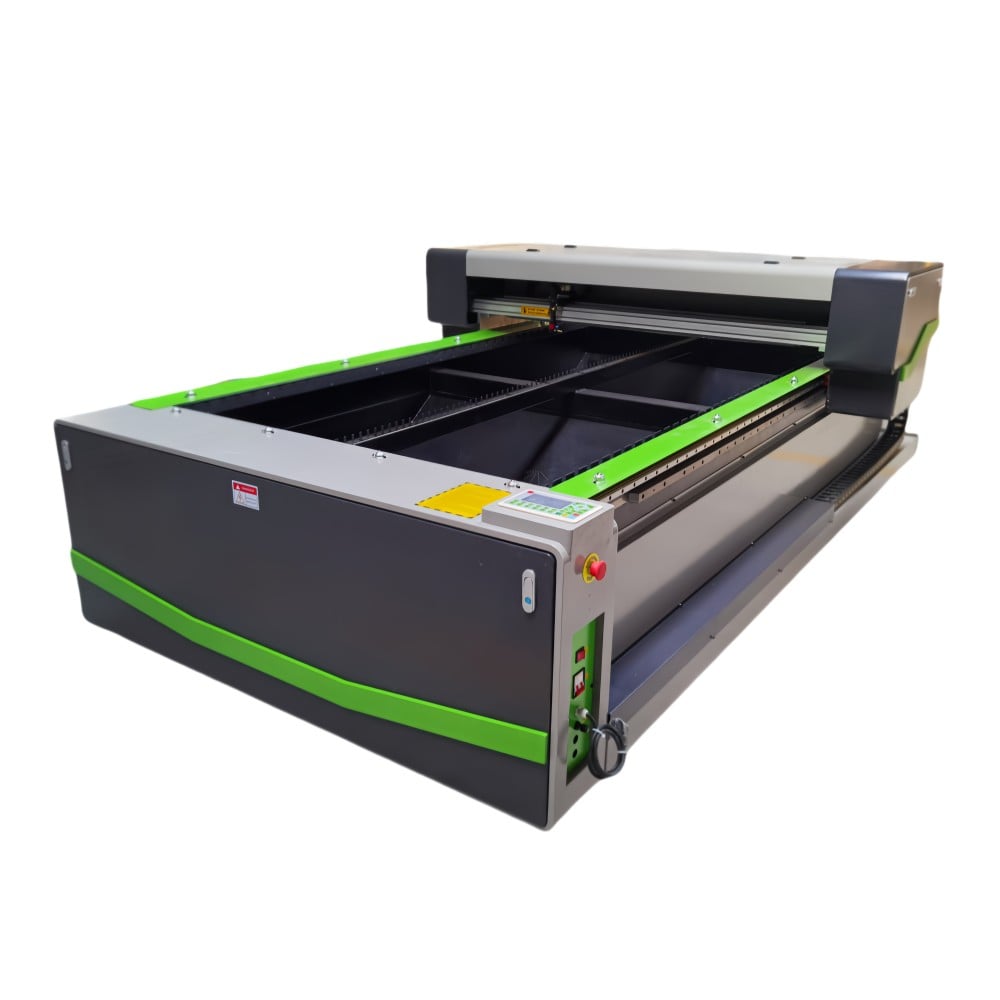
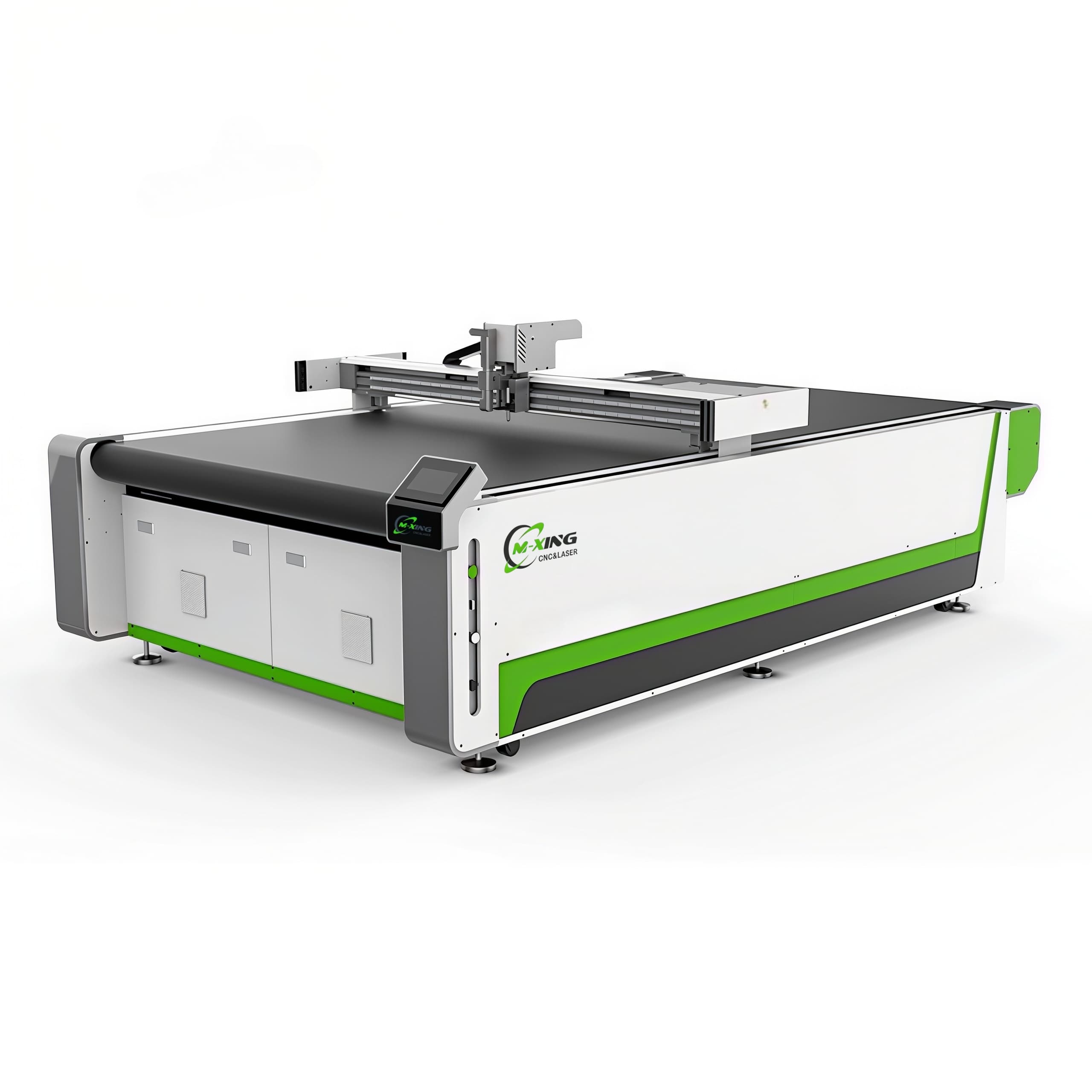
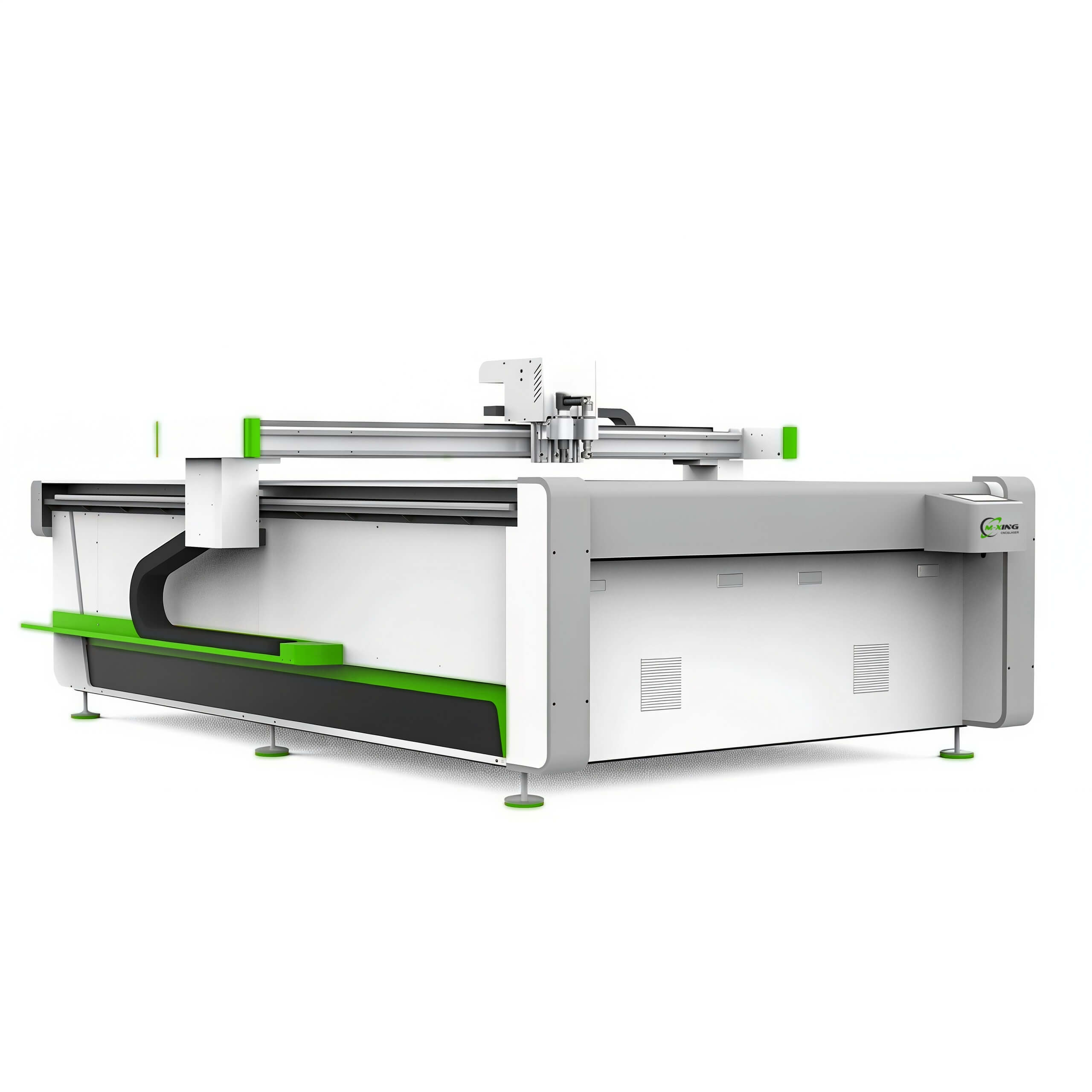
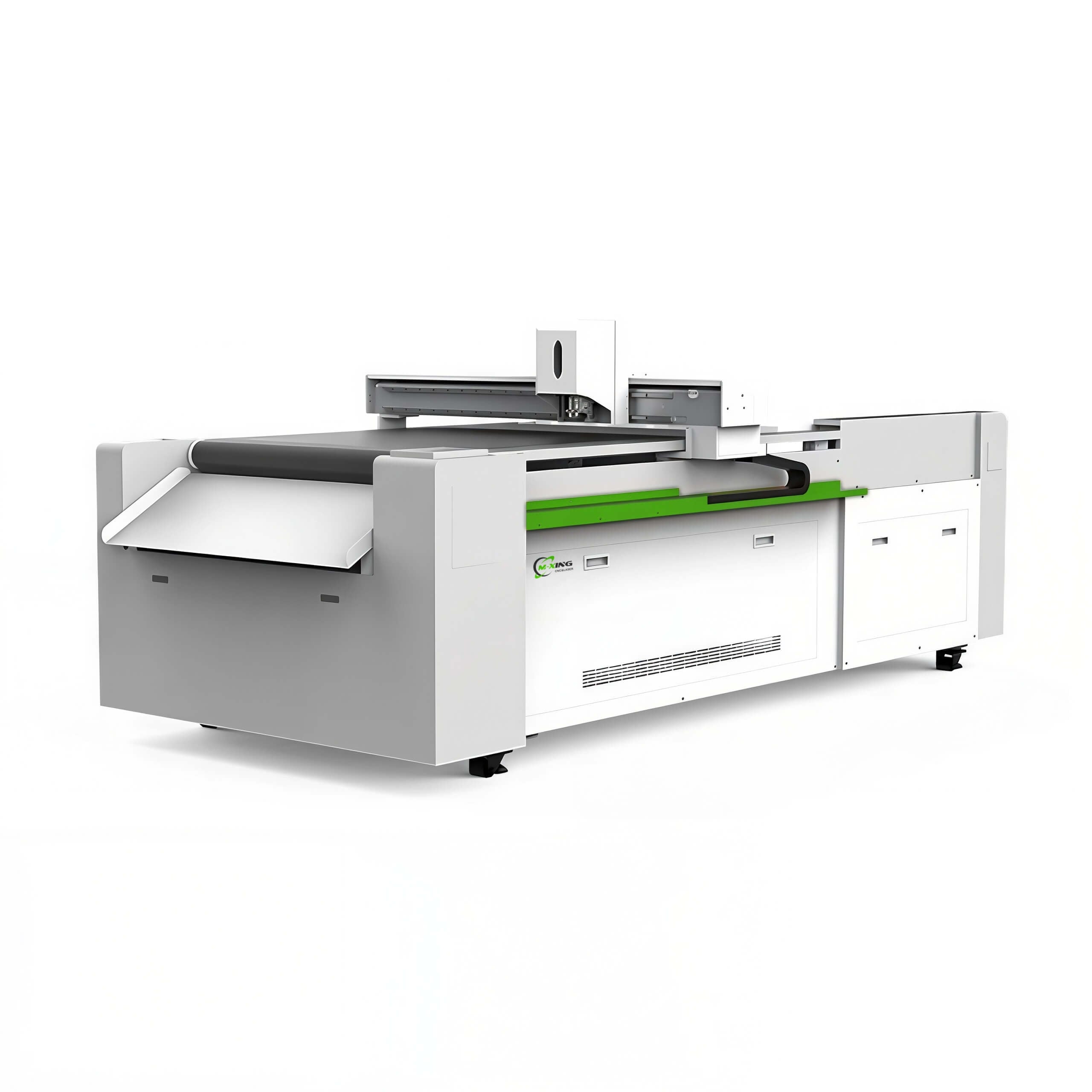
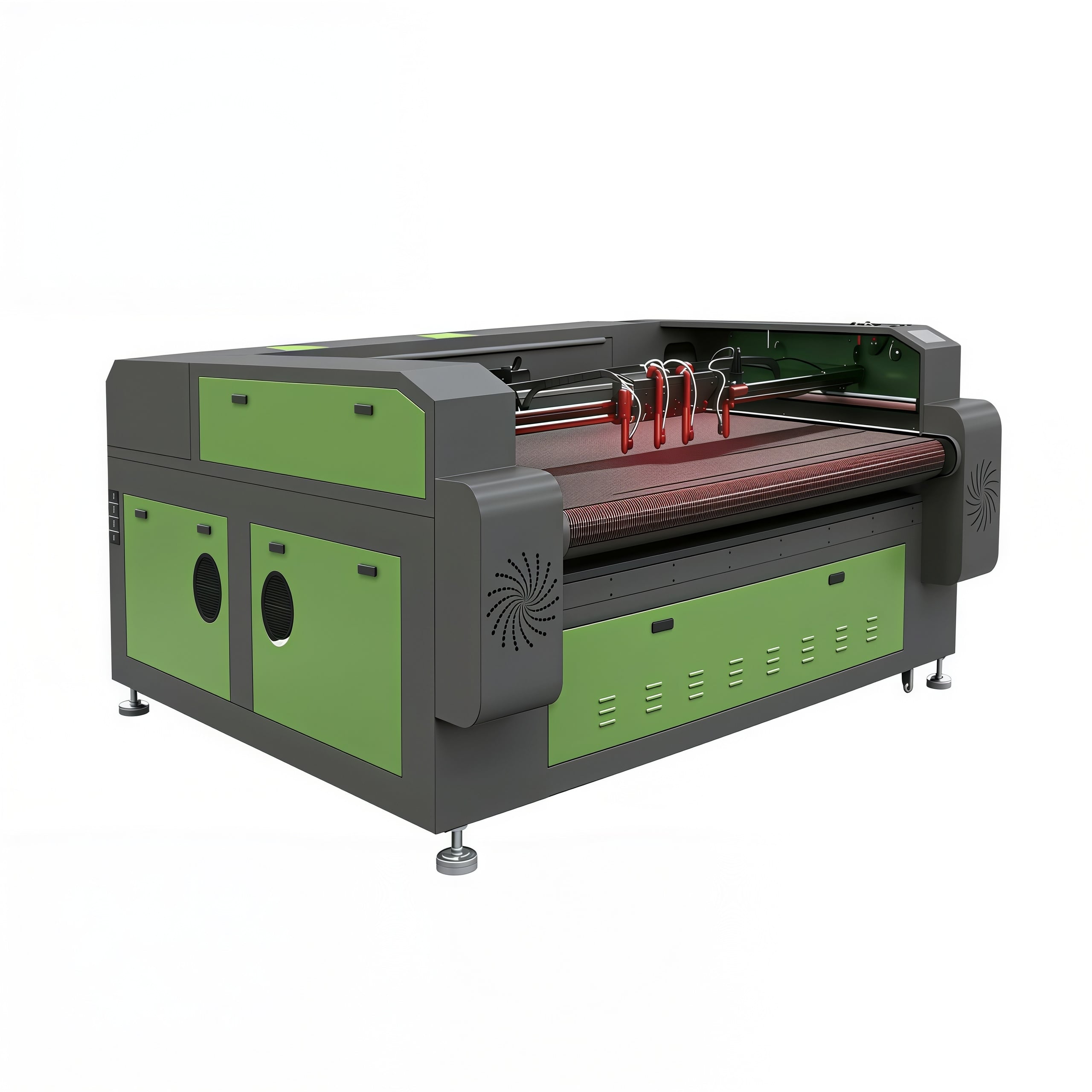
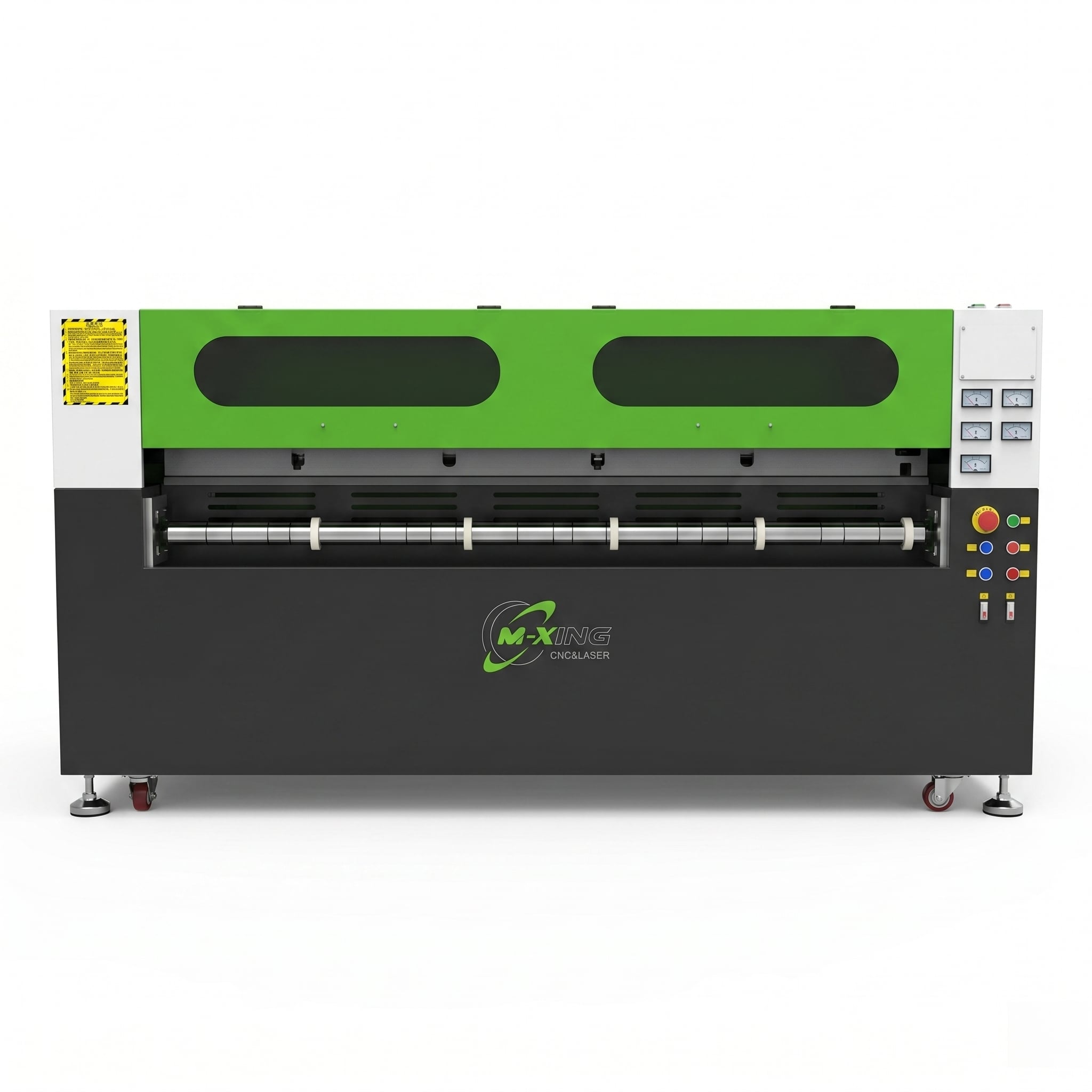
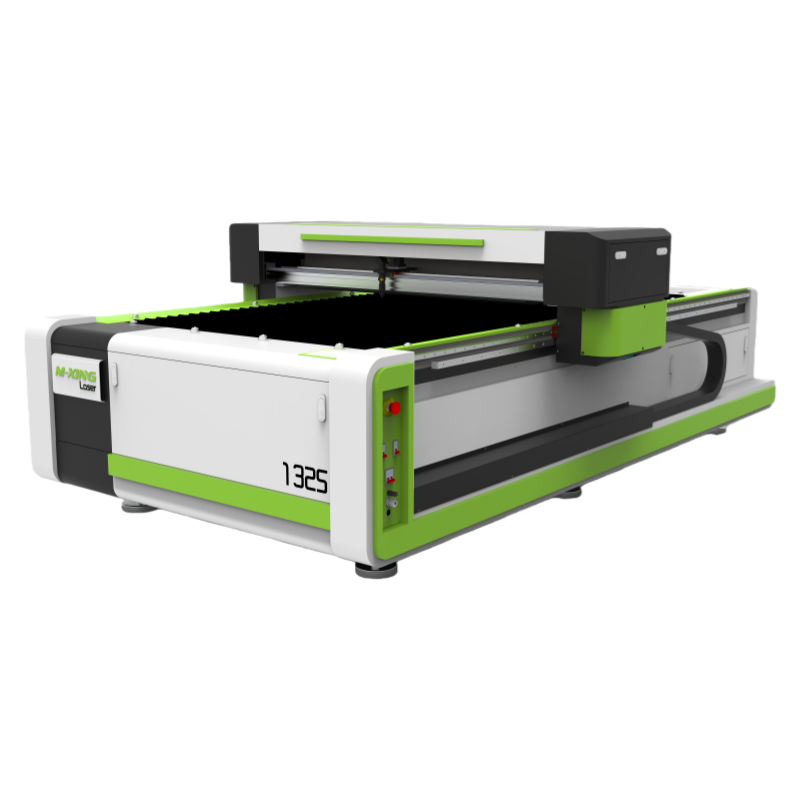
When comparing a CNC router vs. CO2 laser cutting and engraving machine, the obvious differences are easy to list: one uses a spinning tool, the other uses a focused beam. That part is basic. The harder question is what those differences mean when you are actually processing wood panels, acrylic sheets, and sign components day after day.
In practice, technical evaluation usually comes down to five things: what finish you need off the machine, how much rework is acceptable, whether your material mix changes often, how sensitive the job is to heat or tool pressure, and how much operator discipline your production line can realistically support.
That is why a simple “which is better” answer rarely helps. A CNC router can be the right choice for structural cuts, thicker boards, and jobs that need depth carving or 3D shaping. A CO2 laser can be the better fit when edge quality, fine engraving, detail accuracy, and clean acrylic processing matter more than brute cutting force.
If your workload includes custom signage, decorative panels, acrylic letters, wood engraving, and short-run mixed jobs, the tradeoff is not only about speed. It is about the quality you can repeat without creating hidden labor downstream.
Wood is where many buyers hesitate, because both machine types can process it, but not in the same way.
A CNC router handles thicker solid wood, plywood, MDF, and composite boards with fewer surprises when the job involves pockets, bevels, grooves, mortises, contouring, or 3D relief work. If your sign shop or fabrication line needs dimensional carving rather than surface marking, a router has a clear advantage. It removes material mechanically, so it is not limited to a narrow kerf or a heat-based interaction.
A CO2 laser, on the other hand, is often chosen for thin to medium wood sheets where detailed engraving, sharp small text, intricate cutouts, and minimal mechanical stress are more important. For veneered panels, fragile decorative parts, and fine inlay patterns, the non-contact process is a genuine advantage. You do not have cutter deflection, and you do not have tool marks from a dull bit.
The catch is the edge. Laser-cut wood commonly shows a darkened edge from thermal effect. Sometimes that is desirable; in decorative products it can even look intentional. Sometimes it is a problem, especially for premium painted signage or parts that need a clean glue line. Routers avoid burn marks, but they can leave fuzzing, chip-out, or sanding work depending on bit selection and board quality.
This is one of those decisions that sounds technical but is really commercial. If your customer accepts a darker cut edge, laser may reduce finishing labor. If they expect a raw edge ready for coating or lamination, the router may save you trouble later.
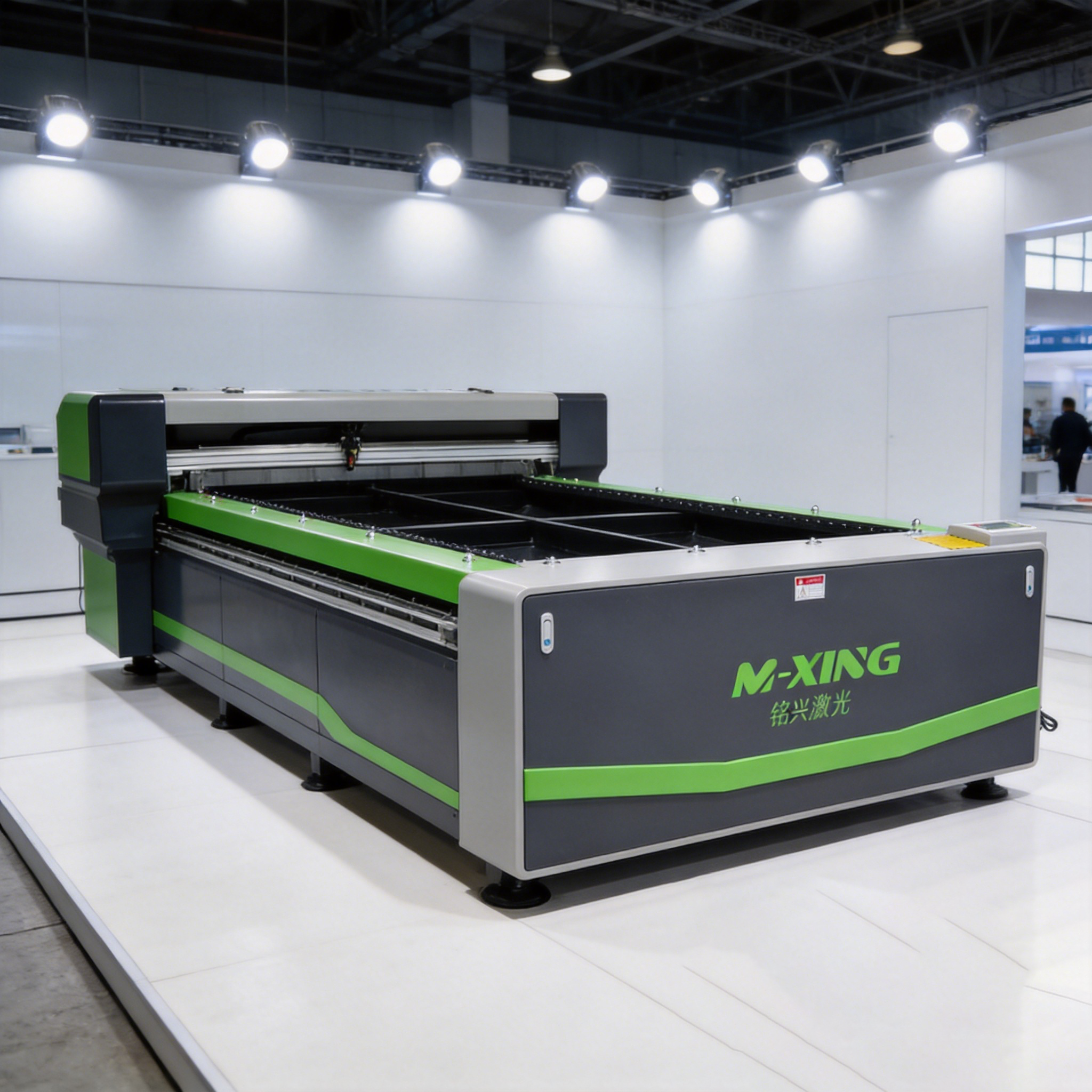
Acrylic changes the balance quickly
For acrylic, the comparison becomes less even. In many sign-making environments, a CO2 laser cutting and engraving machine is the preferred choice because of the finish it can produce on the right acrylic grade. Flame-polished style edges, clean internal corners, small lettering, and engraved details are difficult for a router to match without additional polishing or post-processing.
That said, not all acrylic jobs are the same. Cast acrylic generally behaves differently from extruded acrylic in engraving and edge appearance, and buyers should verify sample results on the exact material they plan to run. This is not a small detail. A machine can look excellent in a demo and then produce a different result when your actual sheet supplier changes resin quality or protective film.
A CNC router is still useful for acrylic when sheet thickness increases, when edge polishing is already part of the process, or when the job includes countersinks, chamfers, drilled holes, or formed features beyond simple cut-and-engrave work. It also avoids the heat-affected issues that can appear if laser parameters, air assist, or exhaust are not properly managed.
But if the core requirement is retail signage, illuminated letters, front panels, display pieces, or decorative acrylic parts with visible edges, a CO2 laser usually fits the process more naturally. That is one reason many manufacturers and suppliers that focus on CO2 laser engraving machines and CO2 laser cutting machines are deeply involved in sign and display production requirements rather than only generic sheet cutting.
Sign making is rarely a single-material workflow. One week may involve MDF backboards, acrylic letters, laminated veneers, rubber-like marking stock, and thin decorative wood. The next may include jigs, spacers, foam-based assembly aids, or engraved plates. Evaluating machines only by maximum speed or wattage misses the real issue: how many of those jobs can move through your shop without awkward workarounds.
A router is usually stronger in fabrication-style sign work. It handles sheet goods, thicker substrates, nested parts, and dimensional cutting well. If you make cabinet-style signs, channel components, carved wooden signage, or large-format panels that later go to painting and assembly, router capability often aligns with the process.
A CO2 laser is often stronger in detail-oriented sign work: engraved plaques, acrylic inserts, fine decorative overlays, stencil features, serial marking, and smaller custom batches where setup flexibility matters. Shops that rely on personalization, short lead times, and visual finish tend to value what a laser does at the last millimeter of detail, not just at the first meter of sheet throughput.
This is also where OEM requirements come in. For buyers considering an OEM CO2 laser machine or OEM CNC CO2 laser cutting machine, the machine platform itself may be only half the evaluation. The other half is whether bed size, exhaust design, controller logic, pass-through handling, rotary options, and software compatibility match actual sign products rather than a standard showroom sample.
It is common to hear that laser is “more precise” and router is “more powerful.” That summary is too loose to help with procurement.
Laser systems are typically better at narrow kerf cutting, fine engraved graphics, small text, and delicate internal contours because there is no physical tool pushing into the material. On thin wood and acrylic, that matters. A small ornamental pattern that would risk breakage under routing can often be produced more cleanly by laser.
Yet useful accuracy on the shop floor also depends on fixturing, material flatness, smoke extraction, lens condition, bit wear, spindle runout, hold-down method, and operator habits. A technically accurate machine can still deliver inconsistent parts if the process around it is unstable. For this reason, evaluators should not compare only brochure tolerances. Ask what maintenance discipline each machine requires to keep results stable over a month of production, not over a ten-minute demo.
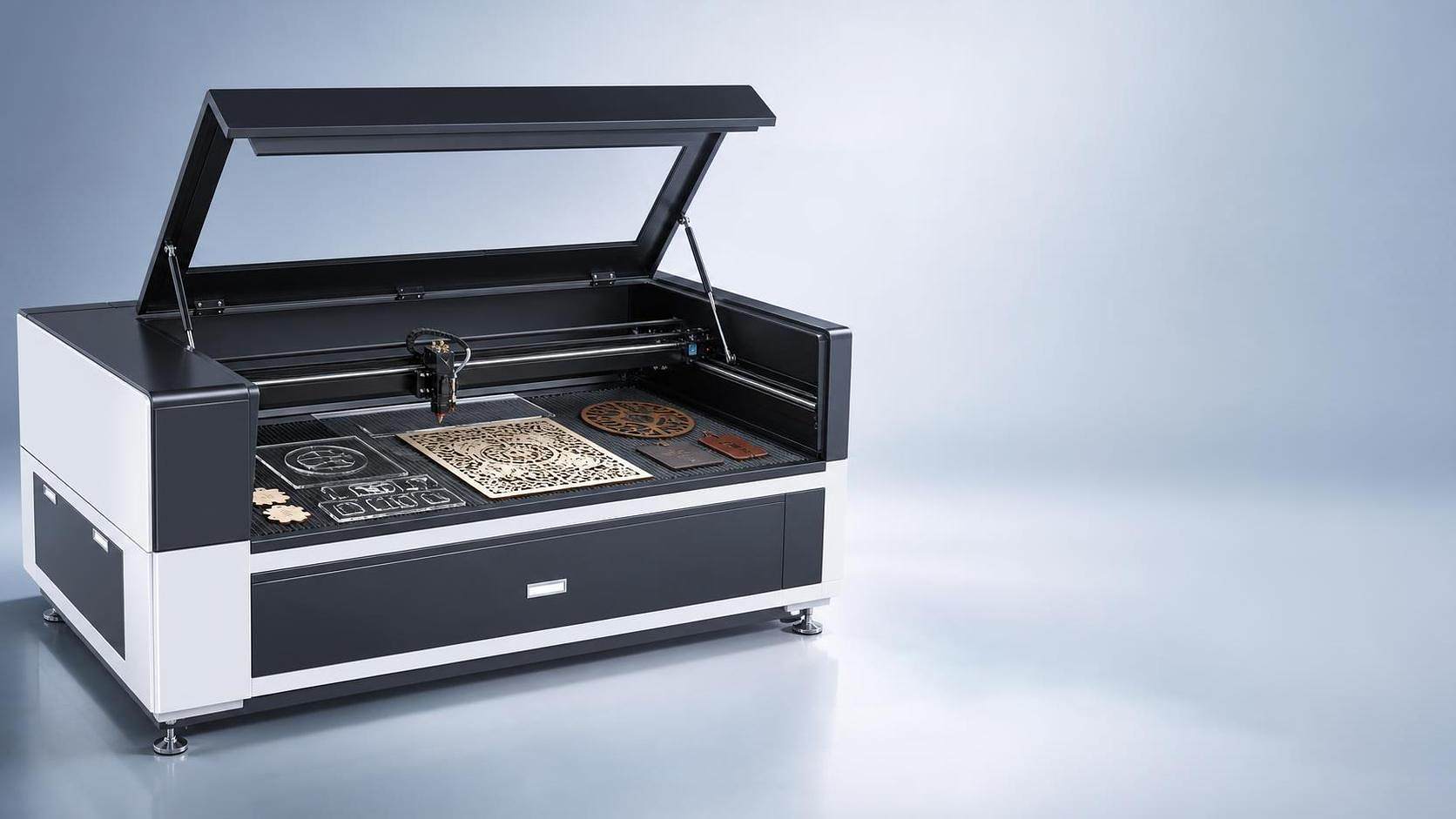
People often compare purchase price and electricity use, then stop too early. The better cost question is: where does each machine create labor, consumables, scrap, or downtime?
With CNC routers, tooling matters. Bits wear, break, and need to be selected carefully for wood species, plywood glue content, acrylic behavior, and desired finish. Hold-down systems and dust extraction also affect cut quality. If a shop is weak on tool management, routing can become more expensive than it looks on paper.
With CO2 lasers, the cost picture shifts toward optics care, tube life or source-related maintenance planning, cooling stability, exhaust performance, and smoke management. Poor extraction can ruin cut quality before the operator notices it in the metrics. Acrylic residue, wood smoke, and lens contamination are not side issues; they are directly tied to repeatability.
There is also rework. If a laser eliminates polishing on visible acrylic edges, that can offset part of the machine investment. If a router avoids charring that would otherwise need sanding or masking changes, the balance moves back the other way. These are shop-specific calculations, and they usually matter more than generic claims about one machine being “more economical.”
If the majority of your jobs involve thick wood, structural cutting, pocketing, carving depth, and large-format fabrication, start from the router side and only move toward laser if detail engraving is becoming a bottleneck.
If the majority of your jobs involve acrylic display work, clean visible edges, fine engraving, personalized signage, and mixed small-batch production, start from the CO2 laser side and test material behavior carefully before locking the specification.
If your workload is genuinely split, it may be more realistic to admit that no single machine covers both perfectly. Some buyers spend months trying to force one platform to do everything, then end up accepting slower output and more manual finishing than expected. In those situations, even if budget dictates one machine now, choosing the first machine should be based on the highest-margin bottleneck, not the broadest possible capability list.
For supplier evaluation, sample testing matters more than sales language. Send actual wood and acrylic materials, include your smallest features and your least forgiving visual standards, and ask for results that show front face, edge condition, back-side effect, and finishing required after processing. That tells you far more than a generic speed comparison.
For wood, a CNC router usually fits better when thickness, shaping, and structural machining dominate. For acrylic, a CO2 laser usually has the stronger case, especially in sign making where edge appearance and engraving quality are visible to the customer. For mixed sign production, the right answer depends less on headline specs and more on where your process can tolerate cleanup, variation, and setup friction.
That is the real comparison behind CNC router vs. CO2 laser cutting and engraving machine. Not which one is more advanced, but which one creates fewer compromises for the products you actually need to ship.
 Hot News
2026-02-05
2026-02-03
2025-12-01

Mingxing Laser is a leading China-based laser machine manufacturer offering CO2 laser cutters, fiber laser cutting machines, CNC routers, laser welders & marking machines. OEM/ODM custom solutions available. Get a quote today!
- Company Headquarters: Room 1303, Building 4, UnitedFortune Plaza, High-tech Zone, Jinan City, Shandong Province, China
- Manufacturing Plant: No. 18, Yinhe Road, Jibei Street, Jiyang District, Jinan City, Shandong Province, China
Copyright © 2026 Century Mingxing (jinan) Intelligent Technology Co., Ltd. All rights reserved. Privacy Policy

 EN
EN