
 EN
EN
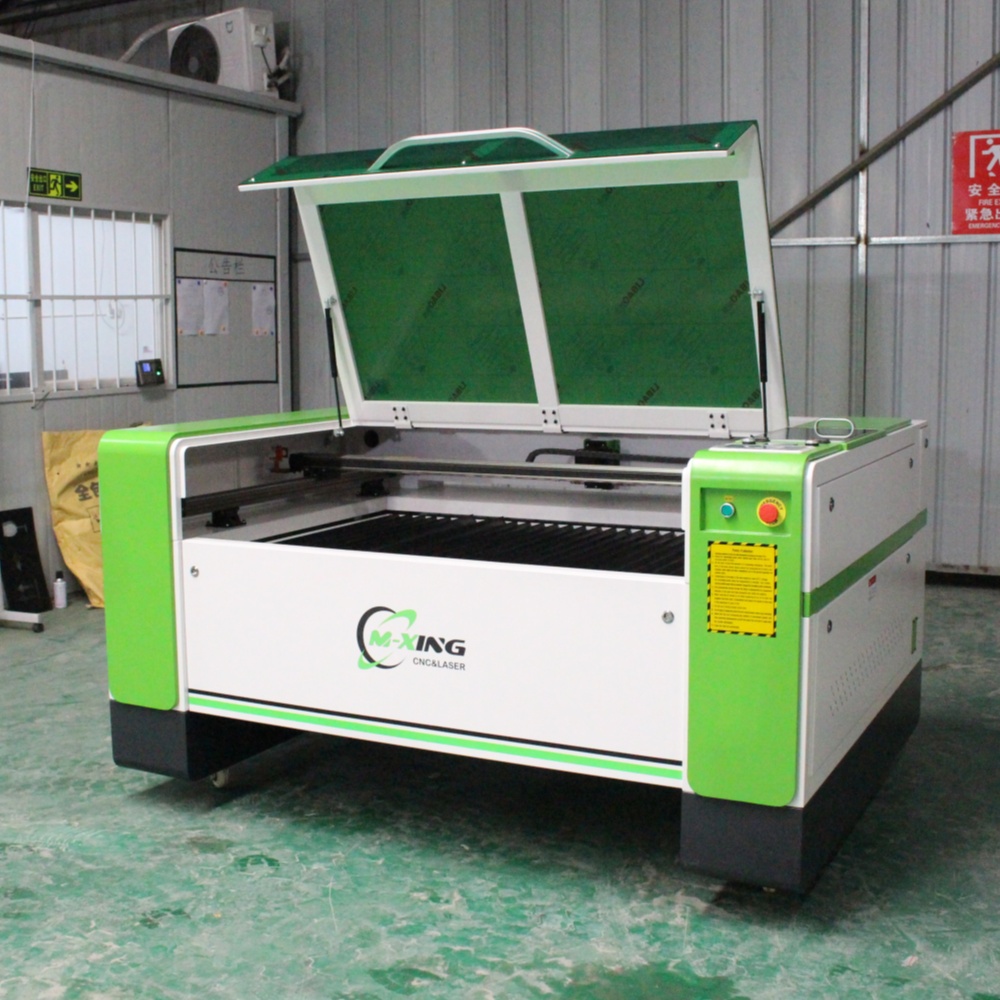
Buying a CO2 laser cutting machine is a significant investment, and one of the most consequential decisions in that process is selecting the right power level. Too little power and you'll find yourself limited on material thickness, forced to run multiple passes, or producing scorched edges on denser substrates. Too much power for your actual workload, and you've spent money on capability you'll rarely use while paying higher electricity and cooling costs every day. This guide walks through exactly how to think about power selection so you match the machine to your real production needs.
Why Power Level Is the Defining Specification
On a CO2 laser cutting machine, power output — measured in watts — determines two things above everything else: the maximum material thickness the machine can cut cleanly in a single pass, and the speed at which it can cut through a given thickness. These two variables directly govern your production capacity and the range of work you can take on.
It's important to understand that higher wattage doesn't simply mean "better." A 300W machine cutting 3mm acrylic isn't producing a cleaner result than a 150W machine on the same material — it's just cutting faster. The quality difference becomes meaningful when you're pushing toward the upper end of a machine's thickness capability, where lower-power systems begin to struggle with clean through-cuts, heat-affected edges, and incomplete separation. Matching power to your typical material thickness is where the real value lies, not in purchasing the highest wattage available.
Material Thickness and the Power Requirements Behind It
The relationship between laser power and cutting depth is the most practical framework for making your decision. Different materials absorb CO2 laser energy at different rates, which means the power required to cut 10mm of acrylic is not the same as the power required to cut 10mm of MDF or wood.
Acrylic is one of the most laser-friendly materials — it absorbs CO2 wavelengths efficiently and produces clean, polished cut edges. Wood and MDF require somewhat more energy due to their fibrous, variable density structure. Leather, fabric, and paper are low-resistance materials that cut cleanly even at lower power levels. Understanding where your primary materials sit on this spectrum shapes your power requirement before you look at a single specification sheet.
As a general principle, plan your power selection around your thickest regularly processed material, not your occasional maximum. If 90% of your work is 10mm acrylic and 8mm MDF but you occasionally handle 20mm wood, buying a machine rated for 20mm at comfortable speed is sensible. Buying an industrial 300W system because you might someday need to cut 30mm acrylic is not.
CO2 Laser Power vs Material Capability Reference Table
| Power Level | Max Acrylic (Clean Cut) | Max Wood / MDF | Max Leather / Fabric | Typical Application |
|---|---|---|---|---|
| 80W – 100W | 10 mm | 8 mm | Full range | Small format signage, crafts, light engraving |
| 130W – 150W | 20 mm | 12 mm | Full range | Advertising, signage, furniture panels, leather goods |
| 180W – 200W | 25 mm | 16 mm | Full range | Medium production, thicker MDF, mixed material shops |
| 300W | 30 mm | 20 mm | Full range | High-volume production, thick substrates, mixed non-metal and light metal scoring |
These figures represent clean, single-pass cuts under properly optimized conditions including correct focus, appropriate assist air pressure, and well-maintained optics. Real-world performance may vary slightly depending on material quality and machine calibration.
Cutting Speed vs Power: What It Means for Production Volume
Power and speed are directly linked on a CO2 laser cutting machine, and this relationship matters most in production environments where throughput is a commercial priority. A higher-power machine cuts the same thickness of material faster — which translates to more finished parts per hour and shorter lead times on larger orders.
To illustrate: a 150W machine cutting 10mm acrylic might operate at a comfortable production speed of around 15–20mm per second. A 300W machine on the same material can run considerably faster while maintaining equivalent edge quality. If your business processes large volumes of identical cut parts — display letters, decorative panels, packaging templates — the additional throughput of a higher-power system can justify its cost premium through reduced production time alone.
For lower-volume custom work, engraving, or mixed-material shops where jobs change frequently and batch sizes are small, cutting speed is a less compelling differentiator. In those environments, the 150W range typically provides the best balance of capability, operating cost, and machine investment.
Working Area and Power: Why They Need to Be Considered Together
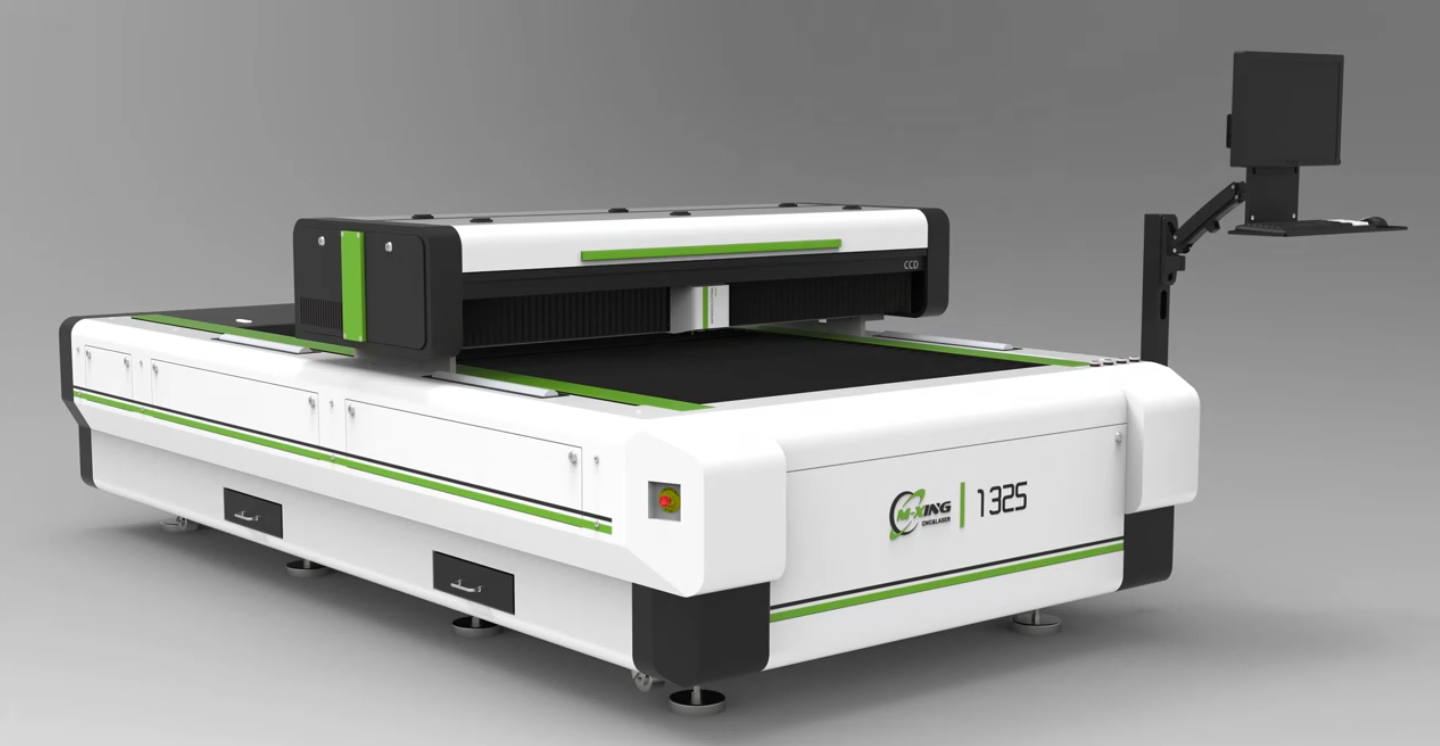
Power selection should never be made in isolation from working area. A CO2 laser cutting machine with a 1,300 × 2,500mm bed — the standard 1325 format — processes full sheets of acrylic and MDF without manual repositioning. Running high-volume full-sheet work on a large-format machine at insufficient power means slow cycle times that undermine the efficiency advantage the large bed provides.
Conversely, a compact desktop machine in the 600 × 900mm range paired with a 300W source is an unusual and generally impractical combination — the power outpaces the format. As a rule of thumb, larger working areas pair naturally with higher power levels because the production environment that justifies a large bed also justifies the throughput that higher wattage enables.
Operating Costs Scale With Power Level
This is a factor that buyers frequently underweight when comparing power options. A higher-wattage CO2 laser cutting machine draws more electricity, requires a larger water chiller with greater cooling capacity, and places more thermal stress on the laser tube during operation. All of these translate into higher day-to-day running costs.
The laser tube itself is the key consumable in a CO2 system. Higher-power tubes are more expensive to replace and may have shorter operational lifespans under heavy continuous use than lower-power equivalents running at a moderate duty cycle. For a business that runs one shift per day on varied custom work, a 150W machine used at 60–70% of its capacity will outlast a 300W machine pushed hard on thick material every day — and do so at meaningfully lower operating cost.
Building a realistic picture of your monthly operating hours, average material thickness, and production intensity gives you the data to make a power decision that optimizes total cost of ownership rather than just purchase price.
FAQ
What power CO2 laser cutting machine is best for cutting acrylic signage? For most acrylic signage work involving material up to 15–20mm thick, a 130W to 150W CO2 laser cutting machine provides the best balance of cutting capability, edge quality, and operating cost. The 150W configuration handles the full range of standard signage acrylic thicknesses cleanly and at practical production speeds without the added expense of a 300W system.
Can a lower-power CO2 laser cut thicker material by making multiple passes? Technically yes, but it's generally not recommended as a production practice. Multiple passes on thick acrylic or wood produce wider kerfs, increased heat-affected zones, and a higher risk of charring on the cut face. If your work regularly requires cutting at the upper end of a machine's stated thickness capability, selecting the next power tier up is a more reliable and efficient approach.
Does higher wattage affect engraving quality on a CO2 laser cutting machine? Not directly in terms of resolution or detail — engraving quality is more dependent on the motion system, control software, and how well the power is modulated at low speeds. Higher wattage machines used for engraving must be carefully configured to avoid overburning at reduced speeds. Most engraving work is well within the capability of 80W to 150W systems.
How often does the laser tube need to be replaced? CO2 laser tubes have a finite operational lifespan, typically ranging from 8,000 to 20,000 hours depending on the tube quality, power level, and how consistently the machine is operated within its duty cycle. Regular water cooling maintenance, avoiding sustained operation at maximum power, and keeping optics clean all extend tube life meaningfully.
Is a 300W CO2 laser cutting machine worth the investment for a small business? For most small to mid-size businesses, the answer is no — unless thick substrate cutting is genuinely central to the product offering. The 300W configuration makes strong commercial sense for high-volume furniture manufacturers, thick MDF specialists, or shops regularly cutting 20mm+ material. For general signage, crafts, and light fabrication, a 150W system delivers equivalent quality on common material thicknesses at a lower purchase price and lower ongoing running cost.
Selecting the right power level for a CO2 laser cutting machine comes down to an honest, data-driven assessment of what you cut most often, how thick it is, and what volume you need to produce. Match those real-world requirements to the power tier that covers them comfortably — and you'll have a machine that performs reliably, costs less to run, and serves your business for years without being either a bottleneck or an underutilized asset.
