
 EN
EN
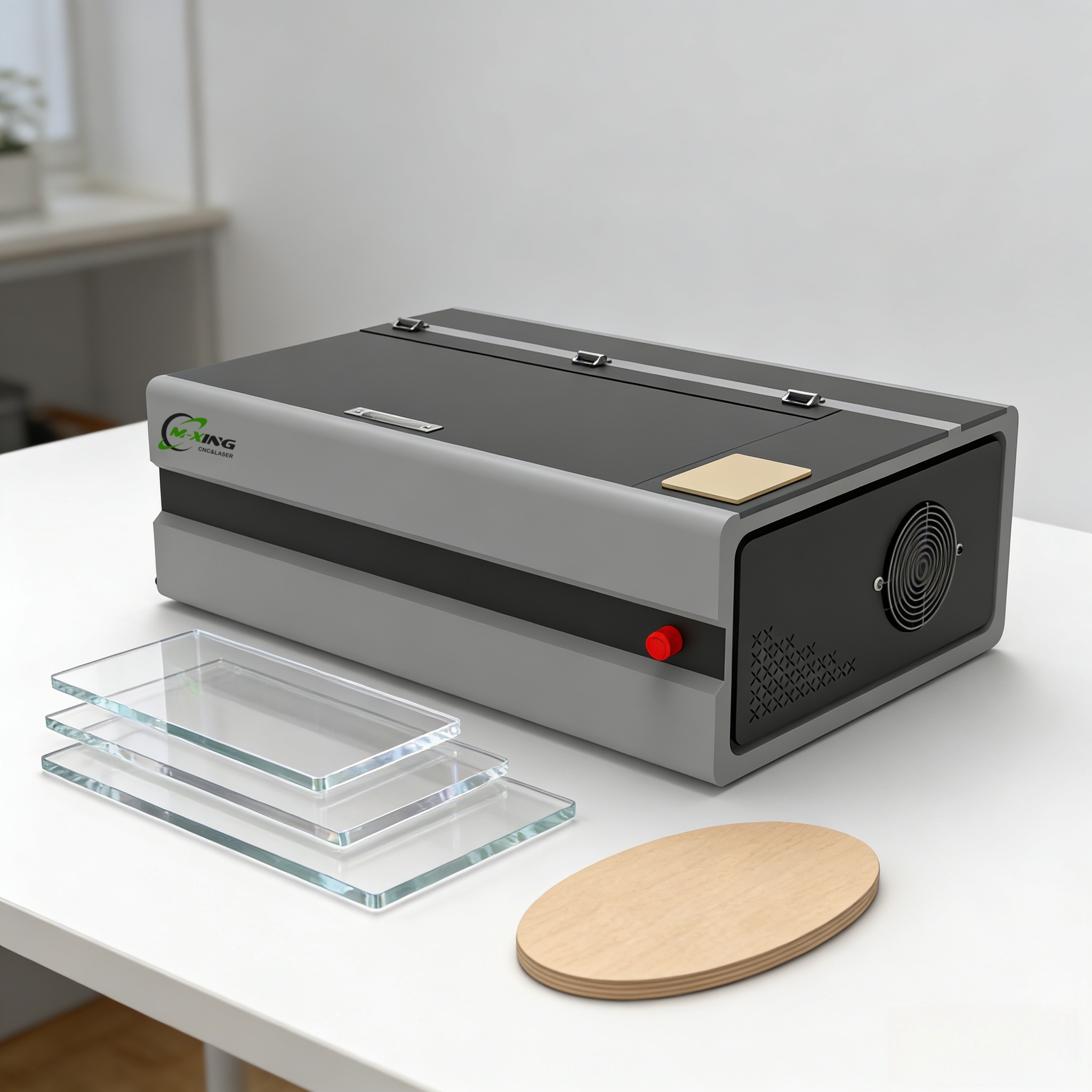
Selecting the right laser engraver is one of the most critical investment decisions for small business owners looking to expand their service offerings or start a custom engraving operation. A laser engraver can open doors to new revenue streams, from personalized gifts and corporate branding to custom signage and industrial marking. However, with countless models on the market, finding a laser engraver that balances affordability, performance, and reliability becomes challenging without clear guidance. This article explores what makes a laser engraver suitable for small businesses and how to evaluate options that align with your production needs and budget.
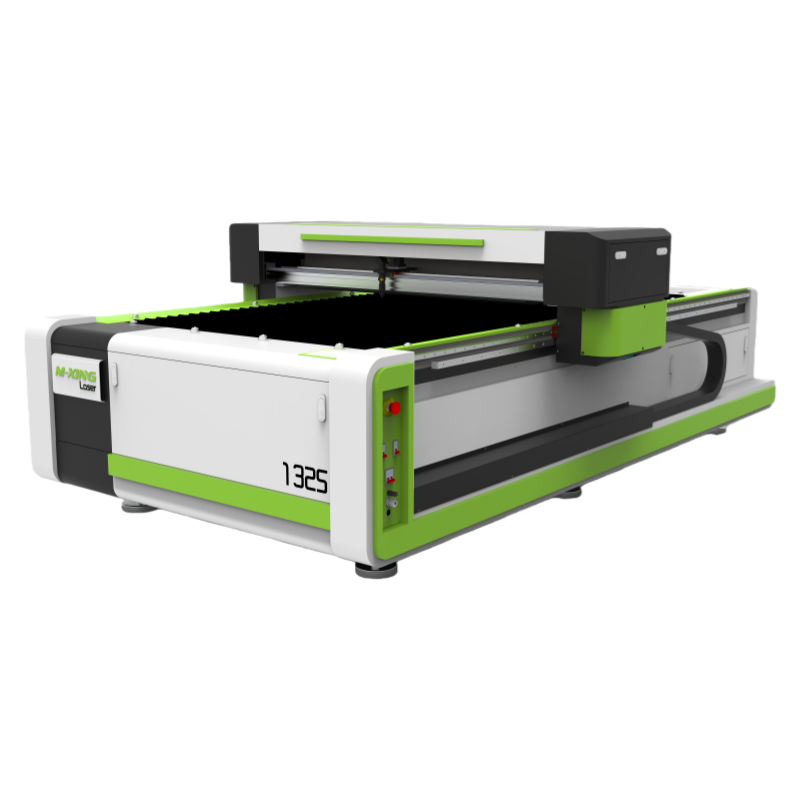
The engraving industry has transformed dramatically with laser technology becoming more accessible to small business operators. Today's laser engraver machines are more compact, energy-efficient, and affordable than ever before. Understanding the core specifications and operational requirements of a laser engraver ensures you make an informed purchase that supports your business growth without unnecessary overspend or technical complications.
Understanding Laser Engraver Specifications for Small Operations
Power Output and Material Compatibility
A laser engraver's wattage directly determines its cutting and engraving speed across different materials. For small businesses, a laser engraver in the 40-150W range typically offers optimal balance between capability and operating cost. Lower wattage laser engraver systems excel at detailed engraving on wood, acrylic, leather, and rubber, while higher power laser engraver units can cut thicker materials efficiently. When evaluating a laser engraver, consider which materials your clients demand most frequently. A 100W laser engraver can handle both fine detail work and moderate-thickness cutting, making it versatile for diverse small business applications.
Work Area and Production Volume
The cutting bed size of your laser engraver directly impacts project capacity. Most small business laser engraver models offer work areas between 12x20 inches and 16x24 inches, providing sufficient space for personalized items, signage components, and batch production. Before purchasing a laser engraver, assess your typical project dimensions and production frequency. A laser engraver with adequate work area reduces material waste and minimizes repositioning during batch jobs. Desktop laser engraver systems are particularly suited for small workshop spaces while maintaining professional output quality.
Cost Considerations and Return on Investment
Initial Capital and Operating Expenses
The investment in a laser engraver ranges significantly based on specifications and build quality. Entry-level laser engraver machines for small businesses typically cost between $3,000 and $8,000, while mid-range professional laser engraver systems run $8,000 to $20,000. Beyond purchase price, operating costs include electricity, maintenance, replacement parts, and consumables like laser tubes. A laser engraver with high electrical efficiency reduces monthly utility bills substantially. Additionally, some laser engraver models feature modular design, allowing affordable replacement of wear components rather than entire system replacement.
Revenue Potential and Payback Timeline
A properly utilized laser engraver generates measurable ROI within 12-18 months for most small businesses. Typical revenue-generating services from a laser engraver include personalized awards, custom corporate gifts, wooden decorative items, and acrylic signage. The laser engraver's speed determines throughput capacity; faster machines process more jobs daily, accelerating payback. For example, a laser engraver capable of engraving 100 personalized items daily at $15 per item generates $1,500 daily revenue, significantly shortening the investment recovery period. Track project types and pricing before purchasing your laser engraver to validate financial projections.
Selecting the Right Laser Engraver for Your Workflow
Ease of Use and Software Integration
Modern laser engraver systems feature intuitive software interfaces that integrate with common design programs like Adobe Illustrator and CorelDRAW. When evaluating a laser engraver, test the control interface and software compatibility with tools your team already uses. A laser engraver with straightforward setup reduces training time for new staff. Cloud-connected laser engraver models enable remote job monitoring and troubleshooting. Consider whether the laser engraver manufacturer provides ongoing software updates and technical support, as these services ensure long-term functionality and competitiveness.
Maintenance Requirements and Supplier Support
Reliable after-sales support transforms laser engraver ownership from frustrating to productive. Before purchasing a laser engraver, verify that spare parts are readily available and service technicians operate in your region. A laser engraver with sealed optical components requires less frequent maintenance than older designs. Choose a laser engraver from manufacturers offering comprehensive warranties and responsive customer service. Some laser engraver suppliers provide video tutorials, user communities, and troubleshooting resources that empower small business operators to resolve common issues independently.
FAQ
What materials can a laser engraver process?
A laser engraver handles wood, acrylic, leather, rubber, fabric, paper, cork, and anodized aluminum effectively. Most laser engraver systems cannot process PVC, vinyl with chlorine content, or uncoated carbon steel due to fume hazards or poor engraving results. Always verify your target materials against the specific laser engraver's capabilities before purchase. Testing sample materials with your laser engraver before mass production ensures consistent quality and client satisfaction.
Is a laser engraver difficult to operate?
Modern laser engraver machines are designed for user-friendliness, with most operators learning basic functions within hours. A quality laser engraver includes intuitive control panels, straightforward design file uploads, and automated positioning systems. While advanced techniques require practice, fundamental laser engraver operation remains accessible to small business owners without technical backgrounds. Manufacturer training resources and community forums supplement the learning curve, enabling rapid proficiency with your laser engraver investment.
How much space does a laser engraver require?
A typical laser engraver occupies 4x6 feet of floor space including work area and ventilation clearance. Desktop laser engraver models fit comfortably in small workshops, home offices, or dedicated production spaces. Ensure your laser engraver location has adequate electrical outlets, proper ventilation for fume extraction, and climate stability. Some laser engraver installations benefit from external exhaust systems, which may require additional space planning and installation costs beyond the machine itself.
